
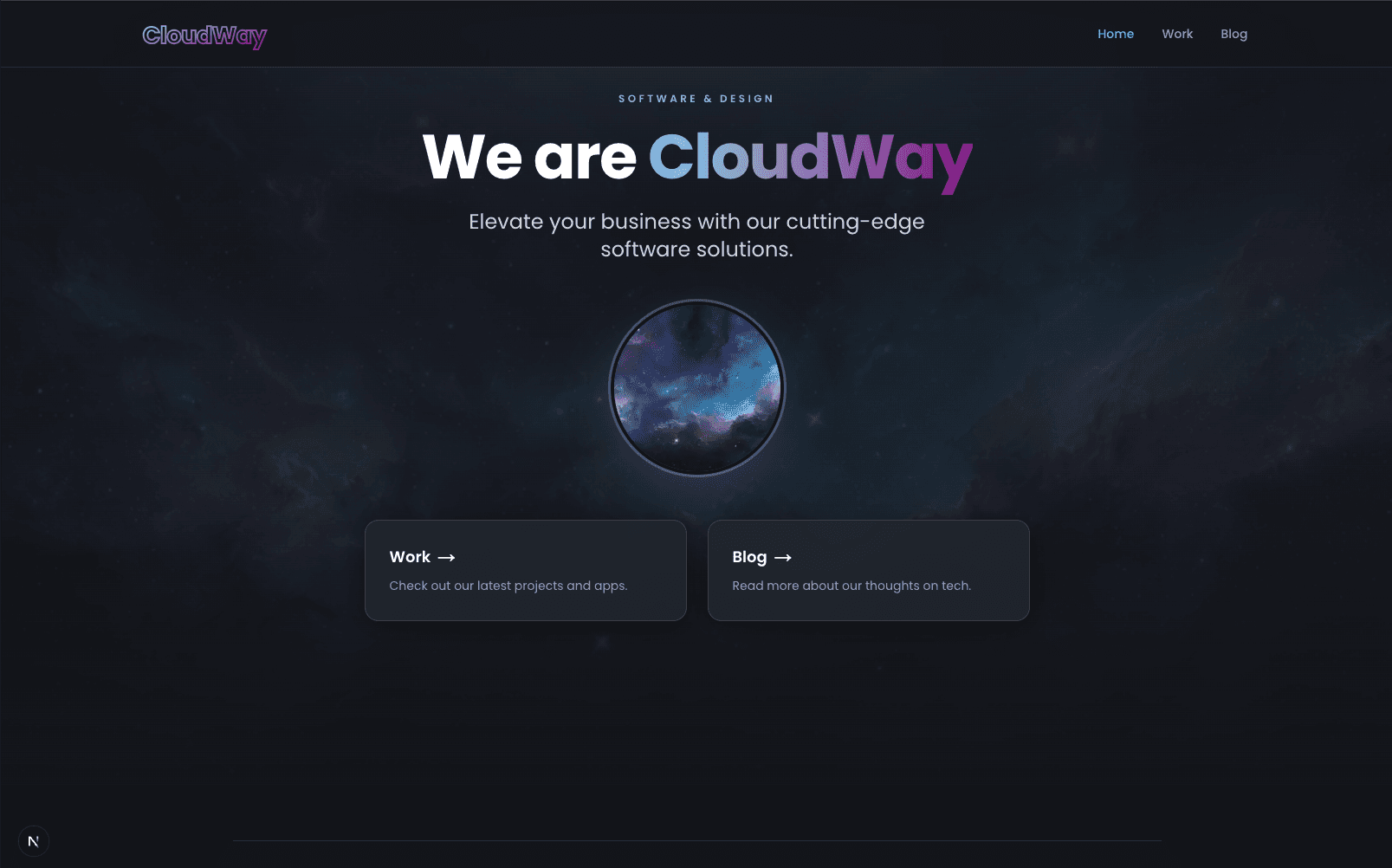
Building a portfolio site sounds simple — until you want it to actually reflect the quality of work you do. Here's how we built cloud-way.dev from the ground up using some of the latest tools in the React ecosystem.
The Stack
- Next.js 16 with App Router and Turbopack
- React 19 with Server Components and Server Actions
- TypeScript 5 for end-to-end type safety
- Tailwind CSS v4 with custom design tokens
- Prisma 7 with the PostgreSQL adapter
- PostgreSQL for persistent storage
Why Next.js 16?
We wanted to build on the cutting edge. Next.js 16 brings native support for React 19 features like Server Components and Server Actions, which let us blur the line between frontend and backend in a way that feels natural.
Server Components mean most of our pages ship zero JavaScript to the browser. The portfolio index, blog listing, and even the admin dashboard are fully server-rendered. Only interactive pieces — like forms, carousels, and dialogs — opt into client-side hydration with "use client".
Auth Interrupts
One of the more interesting Next.js 16 features we leveraged is auth interrupts. Instead of redirecting unauthenticated users, we call unauthorized() from the admin layout, which renders a dedicated unauthorized.tsx page with a login form — no redirect flicker, no lost context.
Prisma 7 and the Adapter Pattern
Prisma 7 introduced a new adapter-based architecture. Instead of Prisma managing the database connection internally, we wire up a pg driver ourselves:
import { PrismaClient } from "@/lib/generated/prisma/client"
import { PrismaPg } from "@prisma/adapter-pg"

const adapter = new PrismaPg({ connectionString: process.env.DATABASE_URL })
export const prisma = new PrismaClient({ adapter })
This gives us more control over connection pooling and makes it easier to deploy to serverless environments.
Tailwind CSS v4 and Design Tokens
Tailwind v4 moves configuration into CSS itself. Our globals.css defines custom color tokens under @theme inline:
cw-darkandcw-lightfor surface colors- A sky-to-purple accent gradient that runs through the entire site
- Glassmorphism card styles with
backdrop-blurand subtle borders
This approach keeps our design system co-located with our styles and makes it trivial to maintain consistency across pages.
The Admin Panel
Rather than reaching for a third-party CMS, we built a lightweight admin panel using Catalyst, Tailwind's official UI kit. It gives us:
- A sidebar layout with navigation
- Consistent form components (inputs, selects, textareas)
- Table components for listing content
- Dialog components for confirmations
The admin handles portfolio items, blog posts, announcements, and contact messages — all through React 19 Server Actions with useActionState for progressive enhancement.
Markdown Blog
For the blog (the one you're reading right now), we went with a simple approach: store markdown in the database and render it with react-markdown on the client. No CMS, no MDX compilation step, no file-based routing for posts. Just a textarea in the admin and a prose-styled renderer on the public side.
Lessons Learned
-
Server Components change everything. Once you stop thinking in terms of API routes and start thinking in terms of async components that fetch their own data, the mental model clicks.
-
Don't fight the framework. Next.js 16 has opinions about where server and client boundaries should be. Leaning into those opinions — rather than trying to make everything a client component — results in better performance and simpler code.
-
Build your own admin. For a portfolio site with a single owner, a custom admin panel is faster to build and more flexible than configuring a headless CMS. Server Actions make form handling almost trivial.
-
Ship incrementally. We built this site in phases — first the marketing pages, then the admin, then announcements, then the blog. Each phase was independently deployable and testable.
What's Next
We're planning to add image uploads, a rich markdown editor in the admin, and email notifications for contact form submissions. But the foundation is solid, and that's what matters most.
Built with care by CloudWay. If you're interested in working together, get in touch.
Wayne Foster Jr
Full-stack developer
Full-stack applications, AI features, and cloud architecture — my notes on the software I build day to day, and my journey as a developer.